Starting an online ESL teaching business should feel exciting, not stressful. Yet many people get stuck before they ever teach a lesson because they overthink equipment. They believe they need a studio setup, expensive gear, or the same tools used by YouTubers.
The truth is much simpler.
You can teach ESL online with basic equipment that you may already own. Clear sound, a stable connection, and a friendly face matter a lot more than fancy tools.
If you have not read the full guide yet, I recommend starting with my blog post on How to Start Your Own Online ESL Teaching Business. This checklist supports that guide and helps you move from the planning stage to the action phase.
This post may contain affiliate links. ThriversHub earns commissions at no extra cost to you when purchases are made through links on this page. For more info, visit the disclosure page.
Why Equipment Overthinking Stops People From Starting
Many new teachers delay starting because they want everything to be perfect. They wait to buy a better laptop, a better microphone, or better lighting.
Perfection isn’t required to teach well.
Students only care about three things:
- Can they see you clearly?
- Can they hear you clearly?
- Do you help them understand English better?
If you can say yes to those, you are ready to teach.
Must-Have Equipment for Online ESL Teaching
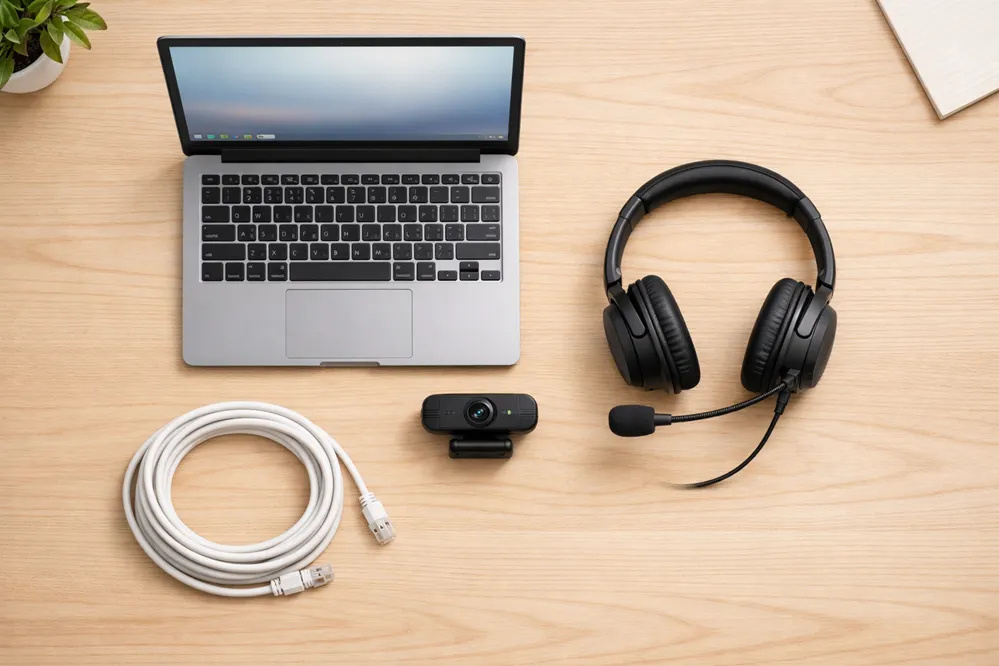
These are the non-negotiable basics. Without these, teaching online is difficult or impossible. The good news is that most beginners already own most of this equipment.
1. Computer or Laptop
A laptop or desktop computer is the heart of your setup.
What to look for:
- A device less than 7 years old.
- At least 8GB of RAM if possible
- A working webcam and microphone if built in
You do not need a high end machine. Many ESL teachers successfully teach using basic Windows laptops or MacBooks.
If you have to purchase a device, look for mid-range laptops on Amazon from brands like HP, Lenovo, Acer, or Dell. Avoid the cheapest models with very low memory.
2. Reliable Internet Connection
Your internet connection matters more than your computer.
Minimum recommendation:
- At least 10 Mbps download
- At least 5 Mbps upload
If your video freezes or audio cuts out, students may lose confidence. If possible, use wired internet instead of Wi-Fi for stability.
Tip: Before teaching, run a free speed test and do a test call with a friend.
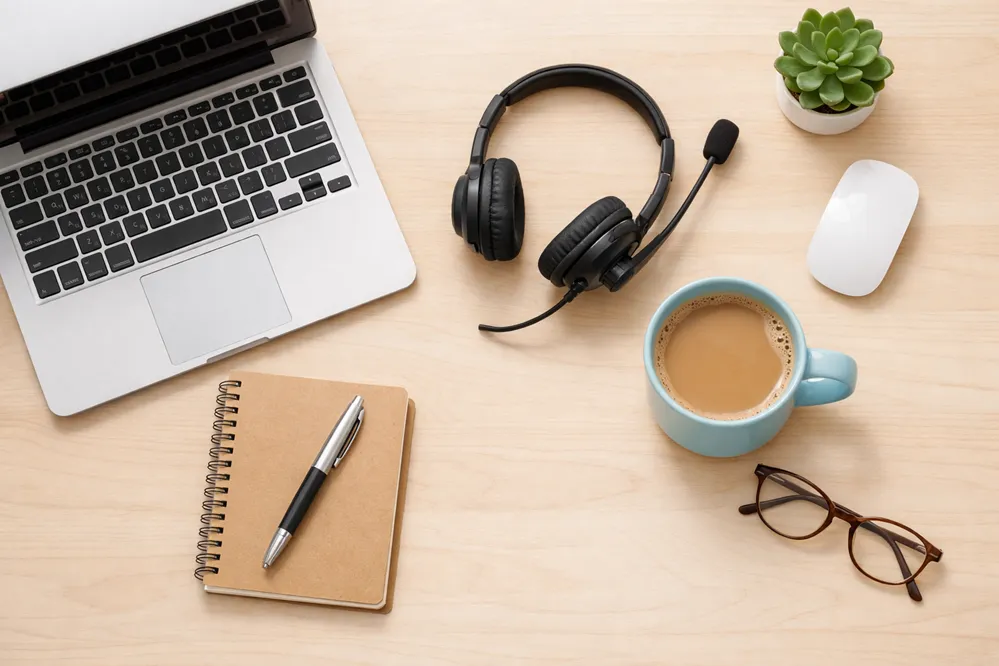
3. Headset or Headphones with Mic
Clear audio is critical for language learning.
A good headset can help you in a few ways:
- Reduces background noise
- Makes your pronunciation clearer
- Prevents echo during lessons
A simple USB headset works well. You don’t need studio headphones.
USB headsets like this wired headphone with mic from Logitech, Jabra’s wired headset, or this one from Plantronics are popular with online teachers.
4. Webcam
Most laptops include a webcam, and that is usually enough.
What matters more than quality:
- Your face is centered
- Your face is well lit
- The camera is at eye level
If your built in webcam looks blurry, an external webcam can help, but it is optional when you’re just starting out.
If you do have to get a webcam, look for basic 1080p webcams that plug into your laptop’s USB port.
Nice-To-Have Tools That Improve Quality
Let’s look at some tools that are not really required, but they can improve your lessons and confidence once you start teaching regularly.

1. Lighting
Good lighting makes a bigger difference than a better camera.
Here are three simple lighting tips you can follow:
- Face a window during the day
- Avoid bright light behind you
- Use one soft light in front of your face
Many teachers use a small ring light. Ring lights are affordable and easy to use.
Entry-level ring lights, like the popular Cyzecor ring light with adjustable brightness, are ideal for ESL teaching.
2. External Microphone
If you want clearer sound than a headset, an external microphone is an upgrade option.
Some of the benefits include:
- Clearer pronunciation
- Better sound for recordings
- More professional feel
This is not needed at the start. Many teachers use headsets for years.
USB condenser microphones are a beginner-friendly option and they plug directly into your computer. FIFINE’s condenser mic is a nice budget option that feels premium and is also very popular with lots of great reviews.
3. Teaching Tablet or Drawing Pad
Having a small drawing tablet can help with:
- Writing vocabulary
- Drawing simple examples
- Teaching children or beginners
This is helpful but not essential. You can also type or screen-share slides.
Entry-level drawing tablets like the XPPen StarG640 are affordable and widely used by online teachers.
Free Teaching Software To Start With
You do not need paid software to begin teaching ESL online. Many free tools work extremely well.
Video Teaching Tools
These platforms allow you to meet students online:
Most students are already familiar with these tools. Zoom is the most common choice for ESL teachers.
Lesson Creation Tools
You can create lessons using:
- Google Docs
- Google Slides
- Canva Free
These tools let you share screens, show images, and reuse lessons easily.
If you want help designing lessons, you can read my article on ESL Lesson Planning for Online Teachers after reading this guide.
Budget Online ESL Teaching Setup Example
Let’s make this a bit practical. In most cases, you can usually start with what you already own.
Many beginners start with:
- Existing laptop
- Built in webcam
- Free video software
- Window lighting
- Basic headset
The total cost if you start with what you have? Zero dollars.
This setup is enough to get your first students and teach confidently.
Upgrading Later
Once you earn from lessons, you can upgrade slowly:
- Add a ring light
- Upgrade your microphone
- Buy an external webcam
Upgrade only when your income justifies it. Your teaching skill matters more than your gear and any upgrades will most likely be nice-to-haves.
Final Thoughts: Clarity Over Perfection
You do not need the perfect setup to start teaching ESL online.
The most important needs when starting out are:
- Clear audio
- A stable connection
- The confidence to begin
Most successful online teachers started with simple equipment and improved over time. Action builds clarity, not the other way around.
If you want the full step-by-step system, check out the main guide on How to Start Your Own Online ESL Teaching Business. When you are ready to plan lessons, continue with the lesson planning article here.
Simple setups work. Start where you are.